
7 Warning Signs Your Website Is Outdated and Hurting Sales
Your website may still be online and technically functional, but that does not necessarily mean it is helping your business grow.Design standards, customer expectations, mobile devices, search behaviour, and website technology continue to change. A website that performed well several years ago can gradually become slow, confusing, difficult to update, or less effective at generating enquiries.
Recognizing the signs your website is outdated can help you address problems before they begin affecting customer trust and sales.
An outdated website can make a professional business appear inactive or unreliable. Visitors may struggle to find information, pages may load slowly, forms may fail, and the overall experience may not match the quality of the services your company provides.
This guide explains seven warning signs that your website may need significant improvements or a complete redesign.
Table of Contents
- Your Website Is Not Mobile-Friendly
- Your Website Loads Too Slowly
- The Design Looks Old or Inconsistent
- Visitors Cannot Find Information Easily
- Your Website Generates Few Leads
- Your Content Is Outdated
- Your Website Is Difficult to Update
- Should You Update or Redesign Your Website?
- How a Modern Website Can Support Sales
- Frequently Asked Questions
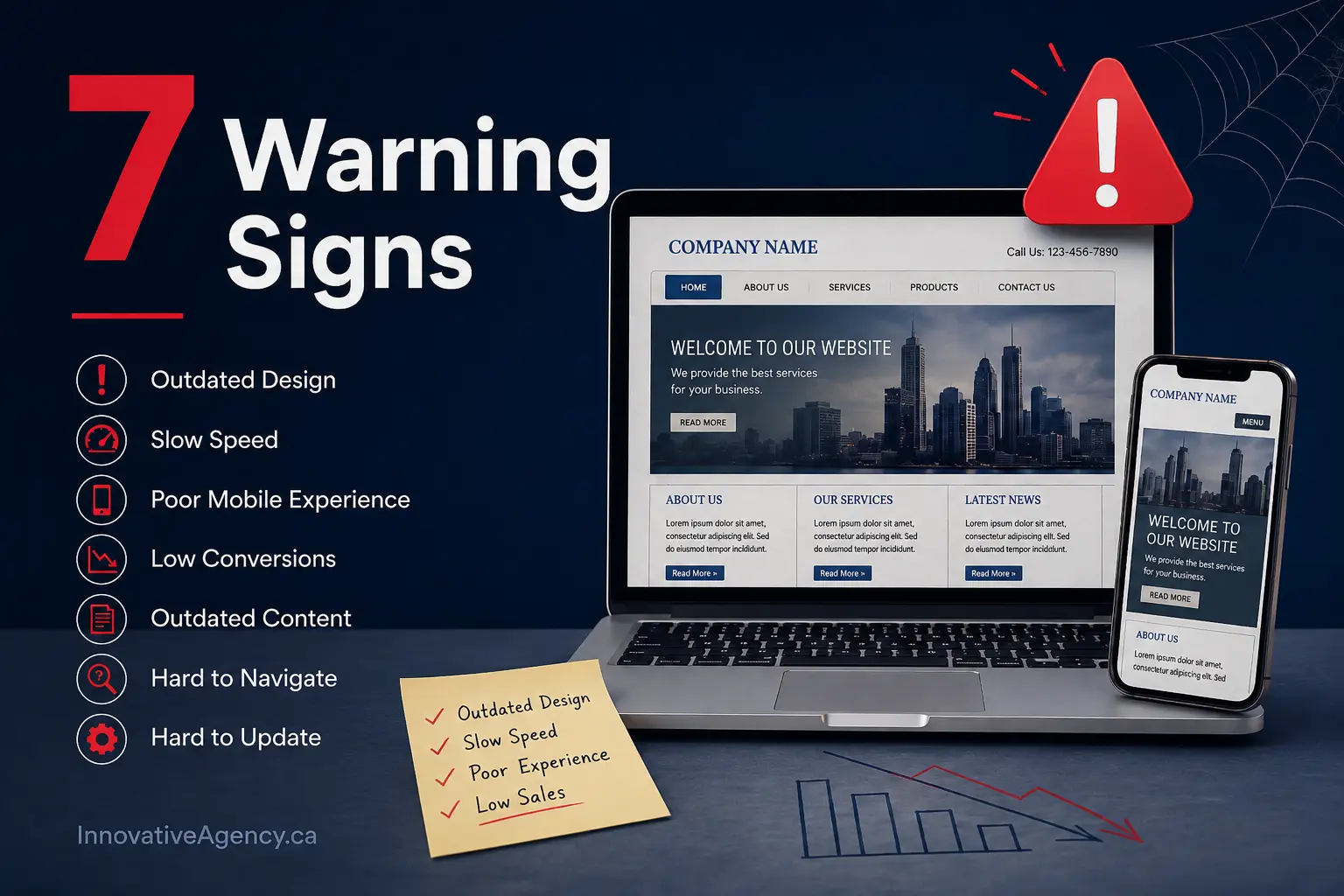
Why an Outdated Website Can Hurt Your Business
For many customers, your website is their first meaningful interaction with your company.
Before calling, booking an appointment, visiting a location, or requesting a quote, potential customers may examine your website to decide whether your business appears credible.
An old website can create uncertainty even when your business provides excellent services.
Customers may wonder:
- Is this business still operating?
- Is its information accurate?
- Will it provide a professional service?
- Is it safe to submit personal information?
- Can I trust this business with my project?
- Why is the website difficult to use?
The most important signs your website is outdated are not limited to appearance. Performance, usability, content, mobile responsiveness, security, and conversion problems are equally important.
1. Your Website Is Not Mobile-Friendly
One of the clearest signs your website is outdated is a poor experience on smartphones and tablets.
A mobile-friendly website should automatically adapt to different screen sizes. Visitors should be able to read text, open menus, view images, tap buttons, and submit forms without zooming or scrolling horizontally.
Your website may have mobile usability problems when:
- Text appears too small
- Users must zoom in to read content
- Buttons are difficult to tap
- Menus do not open correctly
- Images extend beyond the screen
- Forms are difficult to complete
- Pop-ups cover the entire display
- Content overlaps on smaller devices
- Pages require horizontal scrolling
These issues create unnecessary effort for visitors.
A person looking for a local service may not spend several minutes trying to operate a confusing mobile website. They can easily return to the search results and choose another company.
Modern mobile website design focuses on responsive layouts, clear navigation, readable content, fast performance, and calls to action that work across different devices.
How to Check Your Mobile Website
Open your website on a real smartphone instead of checking only inside a desktop browser.
Test the following actions:
- Open the main navigation
- Visit important service pages
- Tap the phone-number button
- Complete the contact form
- Read several paragraphs
- View images and videos
- Return to the homepage
- Test the website in portrait and landscape mode
Repeat the test on more than one device whenever possible.
A website may appear correct on one screen size while creating usability problems on another.
2. Your Website Loads Too Slowly
Visitors expect websites to respond quickly.
When a page takes too long to display useful content, users may lose confidence or leave before understanding what the business offers.
Website speed can gradually decline as new plugins, tracking codes, large images, videos, animations, fonts, and third-party scripts are added.
Common causes of a slow website include:
- Large, uncompressed images
- Cheap or overloaded hosting
- Too many plugins
- Unoptimized website code
- Excessive animations
- Multiple tracking scripts
- No browser caching
- Large background videos
- Outdated themes or frameworks
- Poor database maintenance
- Unnecessary redirects
Slow performance is one of the technical signs your website is outdated, particularly when the website was built using old tools that are difficult to optimize.
Why Speed Matters for Sales
A slow page interrupts the customer journey.
A potential customer may click an advertisement, search result, social media post, or email link with a clear intention. If the landing page responds slowly, that interest can disappear.
Speed problems can affect:
- Product purchases
- Quote requests
- Appointment bookings
- Contact-form submissions
- Phone calls
- Newsletter registrations
- Service-page engagement
Use Google PageSpeed Insights to review the mobile and desktop performance of important pages. Focus on the homepage, service pages, contact page, and any landing pages used in marketing campaigns.
Do not optimize only for a perfect testing score. The real goal is to create a smooth experience for visitors.
3. The Design Looks Old or Inconsistent
Visual appearance is not the only purpose of a website, but design strongly influences first impressions.
Visitors form opinions about a business based on layout, typography, images, spacing, colours, and content quality.
Common visual signs your website is outdated include:
- Very small text
- Crowded page layouts
- Flashing banners
- Low-quality stock photos
- Outdated fonts
- Too many colours
- Excessive gradients or shadows
- Inconsistent buttons
- Pixelated images
- Narrow desktop-only layouts
- Large blocks of uninterrupted text
- Different styles on every page
- Old logos or branding
- Copyright dates that have not been updated
An outdated layout can make your company appear less established than it actually is.
Customers often compare several businesses before making a decision. Even when services and prices are similar, a clear and professional website can create a stronger sense of trust.
Consistency Builds Credibility
Your website should use a consistent visual system.
Important elements should follow the same style across every page:
- Headings
- Body text
- Buttons
- Forms
- Icons
- Images
- Colours
- Navigation
- Spacing
- Calls to action
A professional website design should represent your current brand and guide visitors toward useful actions.
The design should support the content—not distract users from it.
4. Visitors Cannot Find Information Easily
A website can look attractive and still provide a poor user experience.
When visitors cannot quickly understand what you offer or where to go next, the website is not performing effectively.
Navigation problems are among the most damaging signs your website is outdated.
Your website may be difficult to navigate when:
- The menu contains too many options
- Important services are hidden
- Page names are unclear
- Contact information is difficult to find
- Users must click through several pages
- The logo does not link to the homepage
- Pages contain broken links
- There is no clear hierarchy
- Calls to action are inconsistent
- The same information appears in several locations
- Mobile navigation does not work properly
Visitors should not need to understand your internal business structure to navigate the website.
Organize pages around the needs and questions of your customers.
Questions Every Homepage Should Answer
A visitor should quickly understand:
- What does this business provide?
- Who does it serve?
- What makes it trustworthy?
- Where does it operate?
- What should the visitor do next?
If the homepage does not answer these questions, users may leave without exploring your services.
Clear navigation is especially important for businesses offering multiple services or serving several locations.
Test the Website with Someone Unfamiliar with It
Ask a person who has not used the website before to complete a few simple tasks:
- Find a specific service
- Locate the phone number
- Request a quote
- Identify the service area
- Find customer reviews
- Return to the homepage
Observe where the person becomes confused.
This simple test can reveal problems that are difficult for business owners to notice because they are already familiar with the site
5. Your Website Generates Few Leads
Traffic alone does not make a website successful.
A business website should encourage suitable visitors to take meaningful actions, such as calling, requesting a quote, purchasing a product, or scheduling a consultation.
A low number of enquiries can be one of the strongest signs your website is outdated.
Possible conversion problems include:
- Calls to action are difficult to find
- Contact forms ask too many questions
- Buttons use vague wording
- Service benefits are unclear
- There are no reviews or testimonials
- The website lacks trust signals
- Pricing information is confusing
- Contact details are outdated
- Forms do not work
- Pages focus only on the company
- Visitors do not understand the next step
- The site does not address customer concerns
A website should not force visitors to search for a way to contact the business.
Every important page should offer a logical next action.
Improve Calls to Action
Avoid relying only on generic phrases such as:
- Click here
- Submit
- Learn more
- Continue
Use clearer and more specific wording:
- Request a Free Website Quote
- Schedule a Consultation
- View Our Website Design Services
- Discuss Your Project
- Call Our Website Design Team
- Get a Custom Recommendation
The call to action should match the visitor’s stage in the decision-making process.
A person reading an educational article may not be ready to purchase immediately. Offering a consultation or relevant service guide may be more appropriate than presenting an aggressive sales message.
Test Your Forms Regularly
A contact form can appear normal while failing to send notifications.
Submit test enquiries and confirm that:
- The form sends successfully
- Required fields work
- Confirmation messages appear
- Notifications reach the correct inbox
- Automated responses are accurate
- Mobile users can complete the form
- Spam protection does not block genuine users
A broken form can cause a business to lose leads without realizing it.
6. Your Content and Business Information Are Outdated
A modern-looking layout cannot compensate for inaccurate content.
Old information can confuse customers and reduce confidence in the business.
Review your website for:
- Incorrect opening hours
- Old phone numbers
- Inactive email addresses
- Former employees
- Discontinued services
- Expired promotions
- Old pricing
- Outdated office locations
- Broken social media links
- Old statistics
- Irrelevant portfolio items
- Outdated policies
- Old event announcements
- Blog posts with inaccurate advice
Outdated content is one of the easiest signs your website is outdated for customers to recognize.
A visitor who notices an expired offer or incorrect address may begin questioning the accuracy of the rest of the website.
Review Service Pages
Your services may have changed since the website was launched.
You may now:
- Serve different locations
- Target a new audience
- Offer additional services
- Use a different process
- Provide new technology
- Have stronger project examples
- Offer improved support
- Work with different industries
Your website should represent the business as it operates today.
Update Your Proof and Trust Signals
Replace old or weak evidence with current information.
Consider adding:
- Recent testimonials
- Relevant case studies
- Updated project images
- Current certifications
- Professional team photographs
- Clear contact information
- Business registration details
- Verified review profiles
- Current service areas
Trust signals should be genuine, specific, and easy to verify.
7. Your Website Is Difficult to Update
A business should be able to make routine changes without creating new technical problems.
Your website may be outdated when changing a phone number, adding a service, publishing a blog post, or replacing an image requires a developer every time.
Common management problems include:
- The content editor no longer works correctly
- Plugins conflict after updates
- The theme is no longer supported
- Pages rely on outdated shortcodes
- The original developer is unavailable
- There is no documentation
- Administrators are afraid to install updates
- The website has no staging environment
- Small changes break the layout
- The platform cannot support new features
- Backups are unreliable
- Security updates cannot be applied safely
These technical limitations can slow down marketing and business growth.
Professional website development services can help businesses replace fragile systems with a more manageable, scalable, and secure foundation.
Unsupported Technology Creates Risk
Old themes, plugins, frameworks, and custom code may no longer receive security or compatibility updates.
Continuing to rely on unsupported technology can make future changes more expensive.
It can also prevent the business from adding useful features such as:
- Online booking
- E-commerce
- Customer accounts
- Payment processing
- CRM integrations
- Marketing automation
- Advanced analytics
- Multilingual content
- Location-based pages
- Accessibility improvements
A custom website development approach may be suitable when standard templates or plugins cannot support the company’s requirements. Innovative Agency describes its custom-development work as tailored to brand, business goals, scalability, and user-experience needs.
Additional Signs Your Website May Need Attention
The seven major warning signs cover the most common issues, but several smaller problems can also indicate that your website requires improvement.
Your Website Does Not Use HTTPS
Visitors may see a security warning when the website does not use a valid SSL certificate.
This can discourage users from completing forms or entering personal information.
Your Search Visibility Has Declined
A drop in organic traffic may have several causes, including competition, technical errors, content quality, indexing problems, or changing customer demand.
Review Google Search Console and analytics before assuming that design alone caused the decline.
Your Website Does Not Reflect Your Brand
The company may have changed its positioning, logo, services, messaging, or target audience while the website remained unchanged.
This creates inconsistency between the online experience and the actual business.
Competitors Provide a Better Experience
Do not copy competitors, but review how easily customers can understand and interact with their websites.
Compare:
- Mobile usability
- Page speed
- Content clarity
- Calls to action
- Service-page depth
- Trust signals
- Visual consistency
- Contact options
The goal is not to follow every trend. It is to ensure your website meets reasonable customer expectations.
Should You Update or Completely Redesign Your Website?
Not every old website requires a full redesign.
Sometimes targeted improvements can solve the most important problems.
Consider Updating the Existing Website When:
- The underlying platform is still supported
- The design remains flexible
- Mobile responsiveness works correctly
- Only a few pages are outdated
- Performance problems are manageable
- The website structure is clear
- New features can be added safely
- The brand has not changed significantly
Possible updates include:
- Rewriting content
- Compressing images
- Improving calls to action
- Updating colours and typography
- Simplifying navigation
- Repairing forms
- Improving page speed
- Adding recent testimonials
- Updating service pages
Consider a Complete Redesign When:
- The layout is not responsive
- The platform is unsupported
- The website is difficult to update
- The structure has become confusing
- Security updates create problems
- Performance is consistently poor
- The brand has changed significantly
- New features cannot be integrated
- Conversion rates remain low
- Small repairs no longer solve the main issues
A redesign should not focus only on visual trends.
It should improve business outcomes, usability, accessibility, speed, content structure, mobile performance, and lead generation.
How a Modern Website Can Support Sales
A well-planned website helps potential customers move from interest to action.
It cannot replace a strong product, service, or sales process, but it can remove unnecessary barriers.
A modern website can help by:
- Explaining services clearly
- Building customer trust
- Demonstrating experience
- Answering common questions
- Making contact information accessible
- Supporting mobile visitors
- Guiding users with clear calls to action
- Integrating with sales and marketing tools
- Presenting consistent branding
- Providing a faster browsing experience
Innovative Agency Canada positions its website-design services around responsive design, SEO-friendly structure, credibility, and conversions for small businesses and growing brands.
A Practical Outdated Website Checklist
Use this checklist to evaluate your current website.
Design and Branding
- Does the design represent your current brand?
- Are fonts, colours, and buttons consistent?
- Are images clear and professional?
- Does the website look credible beside competitors?
Mobile Experience
- Does the layout adapt to small screens?
- Are buttons easy to tap?
- Can visitors complete forms?
- Is text readable without zooming?
Performance
- Do important pages load quickly?
- Are images compressed?
- Are plugins and themes updated?
- Are unnecessary scripts removed?
Content
- Are services and locations accurate?
- Are phone numbers and emails current?
- Are old promotions removed?
- Are testimonials and projects recent?
Navigation
- Can visitors find important services?
- Is the contact page easy to reach?
- Are page names clear?
- Do internal links work?
Conversion
- Does every important page have a clear next step?
- Do forms work correctly?
- Are calls to action specific?
- Are trust signals visible?
Technology and Security
- Does the website use HTTPS?
- Are backups completing?
- Is the platform supported?
- Can routine updates be completed safely?
When several answers are “no,” your website likely needs more than a minor visual update.
Do Not Wait Until the Website Completely Fails
Businesses often postpone a redesign because the current website is still online.
However, technical failure is not the only reason to improve a website.
A site can remain operational while quietly creating problems:
- Fewer enquiries
- Lower customer trust
- Poor mobile engagement
- Increased maintenance costs
- Difficulty launching campaigns
- Lost sales opportunities
- Inaccurate business information
Recognizing the signs your website is outdated allows your business to plan improvements before an urgent problem occurs.
Build a Website That Supports Your Current Business
Your website should represent the quality, professionalism, and direction of your business today.
If it is slow, difficult to navigate, visually inconsistent, hard to update, or generating very few leads, those issues should not be ignored.
Begin by reviewing the seven signs your website is outdated:
- Poor mobile usability
- Slow performance
- Old or inconsistent design
- Confusing navigation
- Low lead generation
- Outdated content
- Difficult website management
Some websites can improve through focused updates. Others need a complete redesign and a stronger technical foundation.
Innovative Agency Canada provides professional website design and development services for businesses that want a faster, clearer, responsive, and conversion-focused online presence.
Contact Innovative Agency Canada to discuss whether your existing website needs targeted improvements or a complete redesign.
Frequently Asked Questions
How do I know whether my website is outdated?
Common signs your website is outdated include poor mobile usability, slow loading, old design, confusing navigation, inaccurate content, broken forms, low conversions, and technology that is difficult to update.
How often should a business redesign its website?
There is no fixed redesign schedule for every business. Review your website regularly and redesign it when the current design, content, structure, performance, or technology no longer supports customer and business needs.
Can an outdated website reduce sales?
Yes. A slow, confusing, or untrustworthy website can discourage visitors from calling, completing a form, booking a service, or making a purchase.
Should I update my website or build a new one?
Update the existing website when its platform and structure remain reliable. Consider a rebuild when the site is unsupported, difficult to maintain, not mobile-friendly, insecure, or unable to support necessary features.
What should a modern business website include?
A modern business website should include responsive design, fast loading, clear navigation, accurate service information, visible calls to action, contact details, trust signals, secure browsing, and accessible content.
How long does a website redesign take?
The timeline depends on the number of pages, content requirements, functionality, feedback process, integrations, and project complexity. A simple business website normally requires less time than a custom e-commerce or booking platform.
Will redesigning my website improve SEO?
A redesign can support SEO when it improves performance, mobile usability, content structure, internal linking, crawlability, and user experience. However, URLs and redirects must be handled carefully to protect existing search visibility.
🍁 Get updates
Join Our Web Design Insights Community


4689 weekly subscribe
Subscribe to receive practical website design insights, website best practices, and updates that help businesses improve their online presence. No spam—just useful information you can actually apply.