
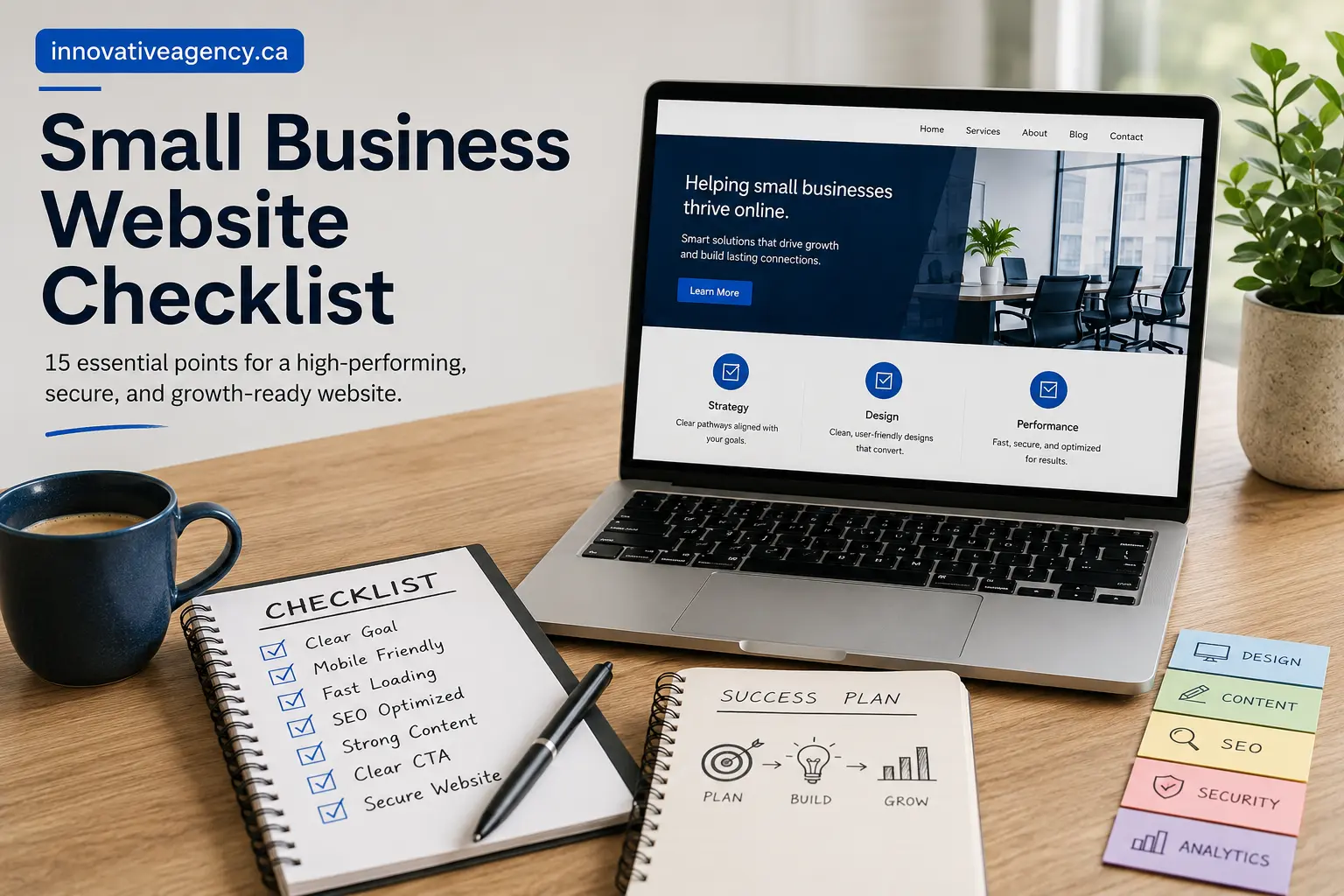
Small Business Website Checklist: 15 Essential Points for Online Success
A professional website can become one of the most valuable tools for a small business. It can attract potential customers, explain services, build trust, generate inquiries, and support long-term business growth.However, simply having a website is not enough.A website must be fast, mobile-friendly, secure, easy to use, and properly optimized for search engines. It should also clearly explain what the business offers and guide visitors toward taking action.This small business website checklist covers 15 essential points every business owner should review before launching or redesigning a website.
Why Is a Small Business Website Checklist Important?
Website projects involve many different elements, including design, content, development, SEO, security, speed, and maintenance.Without proper planning, important details can easily be missed.For example, a website may look attractive but have slow loading speed. It may contain good information but lack clear contact buttons. It may work well on a computer but provide a poor experience on mobile devices.A website checklist helps ensure that every important element supports the main business goal.
1. Define the Main Goal of the Website
Before designing the website, decide what you want visitors to do.
The main goal may be:
- Requesting a quote
- Booking a consultation
- Calling the business
- Purchasing a product
- Completing a contact form
- Visiting a physical location
- Subscribing to an email list
A website can support several actions, but one action should remain the primary focus.
For example, a service-based company may want visitors to request a consultation. An ecommerce business may want users to purchase products.
Once the main objective is clear, the website structure, content, and calls to action can be designed around it.
2. Identify the Target Audience
A business website should communicate directly with the people most likely to need its services.
Before writing content, identify:
- Who the ideal customers are
- Where they are located
- What problems they face
- What services they need
- What questions they ask
- What concerns stop them from contacting a business
- What information helps them make a decision
A website targeting local homeowners will look and sound different from a website targeting corporate clients.
Understanding the target audience makes it easier to choose suitable content, images, design elements, and service information.
3. Create a Clear Value Proposition
A value proposition explains what the business offers and why a customer should choose it.
Visitors should quickly understand:
- What service the company provides
- Who the service is for
- What problem it solves
- What makes the business different
Avoid vague statements such as “We provide innovative solutions.”
Instead, use clear language that explains the actual value of the service.
For example:
“We design fast, responsive, and SEO-friendly websites that help small businesses attract customers and generate more leads.”
Place the value proposition near the top of the homepage so visitors can understand the business immediately.
4. Choose a Professional Domain and Reliable Hosting
The domain name and hosting service form the technical foundation of the website.
A good domain name should be:
- Easy to remember
- Easy to spell
- Relevant to the business
- Short and professional
- Free from unnecessary numbers or symbols
The domain should always remain under the control of the business owner.
Reliable hosting is equally important because it affects speed, security, uptime, and overall performance.
When selecting hosting, consider:
- Server reliability
- Customer support
- Backup options
- SSL certificate support
- Security monitoring
- Storage capacity
- Website traffic limits
- Server location
- Scalability
Cheap hosting may save money initially, but poor performance can negatively affect visitors and search visibility.
5. Include All Essential Website Pages
A small business website should provide enough information for visitors to understand the company and make a decision.
Important pages usually include:
Homepage
The homepage should introduce the company, explain its main services, establish trust, and guide visitors toward important actions.
About Page
The About page should explain the company’s story, values, experience, team, and approach.
Service Pages
Each major service should have a separate page.
Individual service pages allow the business to explain benefits, process, pricing factors, and customer outcomes in detail.
Contact Page
The Contact page should include a form, phone number, email address, business hours, location, and service area where relevant.
Portfolio or Case Studies
A portfolio helps potential customers evaluate the quality of previous work.
Blog
A blog can answer customer questions, demonstrate expertise, and support search engine optimization.
Legal Pages
Privacy policies, terms, and cookie information help establish transparency and compliance.
6. Keep Website Navigation Simple
Website navigation should help visitors find important information quickly.
Avoid adding too many pages to the main menu.
A simple navigation structure may include:
- Home
- About
- Services
- Portfolio
- Blog
- Contact
Use clear page names instead of confusing labels.
For example, “Website Design Services” is more useful than a vague label such as “Solutions.”
The logo should link to the homepage, and contact buttons should remain visible across important pages.
Good navigation reduces frustration and encourages visitors to explore the website.
7. Write Customer-Focused Content
Website content should focus on customer needs rather than only discussing the company.
Visitors usually want to know:
- What the service includes
- Whether the service is suitable for them
- What problem it solves
- How the process works
- How much time it may take
- Why the company is trustworthy
- What they should do next
Use simple and direct language.
Avoid unnecessary technical terms unless the target audience understands them.
Each service page should explain the service clearly and answer common customer questions.
Good content helps visitors feel informed and confident before contacting the business.
8. Add Clear Calls to Action
A call to action tells visitors what to do next.
Strong calls to action may include:
- Request a Free Consultation
- Get a Website Quote
- Book an Appointment
- Call Our Team
- Start Your Project
- View Our Portfolio
- Contact Us Today
Avoid generic buttons such as “Click Here” or “Submit.”
The button text should explain what happens after the visitor clicks.
Calls to action should appear in important locations, including:
- Homepage banner
- Service pages
- About page
- Blog posts
- Contact section
- Footer
Long pages may require the same call to action more than once.
9. Make the Website Mobile-Friendly
Many visitors browse websites through smartphones and tablets.
A mobile-friendly website should automatically adjust according to the visitor’s screen size.
Check the following elements:
- Text readability
- Button size
- Menu design
- Image scaling
- Form usability
- Section spacing
- Phone-number links
- Horizontal scrolling
- Popups
- Page layout
Visitors should not need to zoom in or scroll sideways.
Test the website on real mobile devices instead of relying only on the desktop preview.
A poor mobile experience can cause visitors to leave and contact a competitor.
10. Improve Website Loading Speed
After making performance improvements, test important pages with Google PageSpeed Insights to identify loading-speed issues on mobile and desktop devices.
Website speed affects user experience, conversions, and search performance.
Visitors are less likely to wait for slow pages to open.
Common reasons for slow websites include:
- Large image files
- Too many plugins
- Poor hosting
- Unnecessary scripts
- Heavy animations
- Unoptimized code
- Too many fonts
- Third-party tracking tools
Website speed can be improved by:
- Compressing images
- Using modern image formats
- Removing unused plugins
- Enabling caching
- Reducing scripts
- Optimizing code
- Using a content delivery network
- Choosing better hosting
Professional website development services can help businesses build fast, stable, and scalable websites.
11. Follow SEO Best Practices
Search engine optimization helps search engines understand the website and display it for relevant searches.
Business owners can also review Google’s SEO Starter Guide to learn more about website structure, content quality, and search visibility.
Each page should target one main topic.
Important SEO elements include:
- One clear H1 heading
- Proper H2 and H3 headings
- Unique SEO title
- Unique meta description
- Short and readable URL
- Relevant keywords
- Internal links
- Image ALT text
- Mobile responsiveness
- Fast loading speed
- High-quality content
Keywords should appear naturally in the content.
Avoid repeating the same keyword excessively because this can make the content difficult to read.
The primary keyword for this article is small business website checklist.
It should appear in the title, opening paragraph, URL, meta description, selected headings, and image ALT text.
12. Use Quality Images and Consistent Branding
Images and branding strongly influence how visitors perceive a business.
Use consistent:
- Brand colours
- Fonts
- Button styles
- Icons
- Image styles
- Heading sizes
- Logo placement
- Spacing
Whenever possible, use original images of:
- The team
- Office
- Products
- Services
- Completed projects
- Work process
Original images generally create more trust than generic stock photographs.
Before uploading an image:
- Resize it properly
- Compress the file
- Use a descriptive filename
- Add relevant ALT text
- Check usage rights
- Avoid placing important text inside the image
The featured image for this article can use the ALT text:
Small business website checklist for building a professional website
13. Add Trust Signals and Contact Options
Visitors may hesitate to contact an unfamiliar business.
Trust signals help reduce uncertainty.
Useful trust elements include:
- Customer testimonials
- Google reviews
- Case studies
- Client logos
- Team information
- Industry certifications
- Professional memberships
- Business address
- Phone number
- Secure website connection
- Clear service information
- Portfolio examples
Only use genuine testimonials, certifications, and business claims.
Contact details should be easy to find.
The website should offer several contact options, such as:
- Phone
- Contact form
- Consultation booking
- Live chat
- Physical address
The contact form should remain simple and ask only for necessary information.
14. Protect the Website and Track Performance
Website security and analytics should be set up before launch.
Basic security measures include:
- SSL certificate
- Strong passwords
- Regular backups
- Software updates
- Security plugins
- Spam protection
- Malware scanning
- Limited administrator access
- Firewall protection
- Secure form handling
Do not share one administrator account among multiple people.
Each user should have the correct permission level.
Analytics tools help business owners understand:
- How visitors find the website
- Which pages they view
- Which devices they use
- Which pages generate leads
- Where visitors leave
- Which marketing campaigns perform best
Track meaningful actions such as:
- Form submissions
- Phone clicks
- Consultation bookings
- Quote requests
- Product purchases
Visitor numbers alone do not show whether the website is generating results.
15. Test Before Launch and Maintain Regularly
Before publishing the website, test every important element.
Use this website launch checklist:
- Check all navigation links
- Submit every contact form
- Review spelling and grammar
- Test all buttons
- Check mobile layouts
- Review image quality
- Test phone and email links
- Verify SEO titles
- Review meta descriptions
- Confirm heading structure
- Check page loading speed
- Remove placeholder content
- Delete test pages
- Confirm analytics is working
- Create an XML sitemap
- Test redirects
- Review legal pages
- Check the SSL certificate
- Create a backup
- Test the 404 page
Website maintenance should continue after launch.
Weekly Tasks
- Review form submissions
- Check backups
- Monitor security alerts
- Test critical pages
Monthly Tasks
- Update plugins and software
- Fix broken links
- Review analytics
- Test contact forms
- Check website speed
Quarterly Tasks
- Update service information
- Add portfolio projects
- Refresh old content
- Review calls to action
- Check mobile usability
Annual Tasks
- Conduct an SEO audit
- Review website design
- Renew the domain and hosting
- Update legal policies
- Review security measures
- Evaluate hosting requirements
Regular maintenance keeps the website secure, accurate, and effective.
Common Small Business Website Mistakes
Businesses should also avoid several common mistakes.
Designing Before Writing Content
A layout should support the content and business goal. Designing empty sections before planning the message often creates unnecessary revisions.
Using Too Many Menu Options
Too many navigation links can confuse visitors and make important pages harder to find.
Hiding Contact Information
Phone numbers, forms, and consultation buttons should remain easy to locate.
Publishing Thin Service Pages
A short service description may not provide enough information for potential customers or search engines.
Ignoring Mobile Visitors
A website may look good on a desktop but fail completely on smaller screens.
Using Generic Calls to Action
Buttons such as “Learn More” may not clearly explain what the visitor should do.
Forgetting Redirects
When redesigning an existing website, old URLs should redirect to the correct new pages.
Ignoring Website Maintenance
Outdated software, broken forms, and old information can damage credibility and security.
Final Small Business Website Checklist
Before launching the website, confirm that you have:
- Defined the main website goal
- Identified the target audience
- Created a clear value proposition
- Selected a domain and hosting provider
- Added essential pages
- Created simple navigation
- Written customer-focused content
- Added clear calls to action
- Tested mobile responsiveness
- Improved website speed
- Completed basic SEO
- Added quality images and branding
- Included trust signals
- Set up security and analytics
- Completed launch testing and maintenance planning
Build a Better Website for Your Business
A website should do more than display information.
It should help potential customers understand the business, trust its services, and take the next step.
This small business website checklist provides a practical framework for creating a professional, responsive, secure, and SEO-friendly website.
The best websites combine strategy, design, development, content, performance, and regular maintenance.
Innovative Agency Canada helps businesses create modern websites designed around clear business objectives and customer needs.
Explore professional website design services or contact Innovative Agency Canada to discuss your project.
🍁 Get updates
Join Our Web Design Insights Community


4689 weekly subscribe
Subscribe to receive practical website design insights, website best practices, and updates that help businesses improve their online presence. No spam—just useful information you can actually apply.